
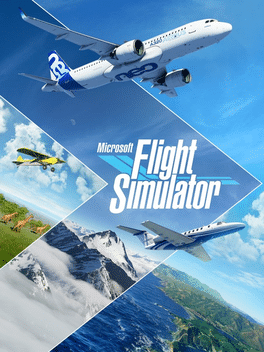
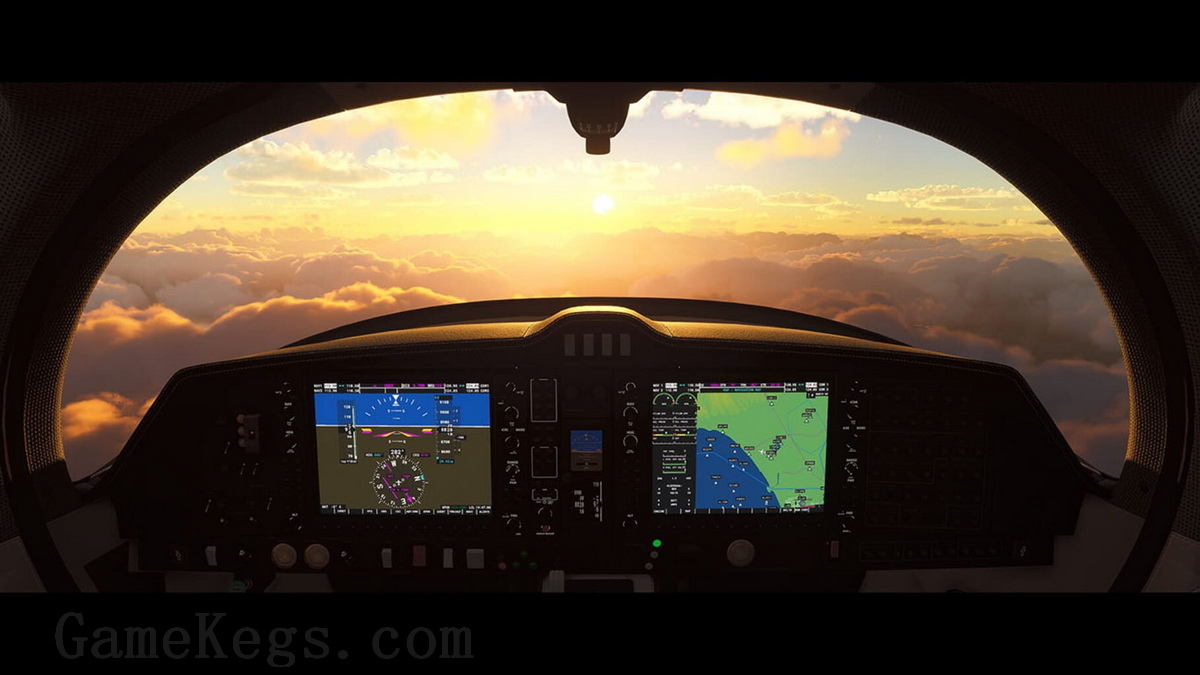
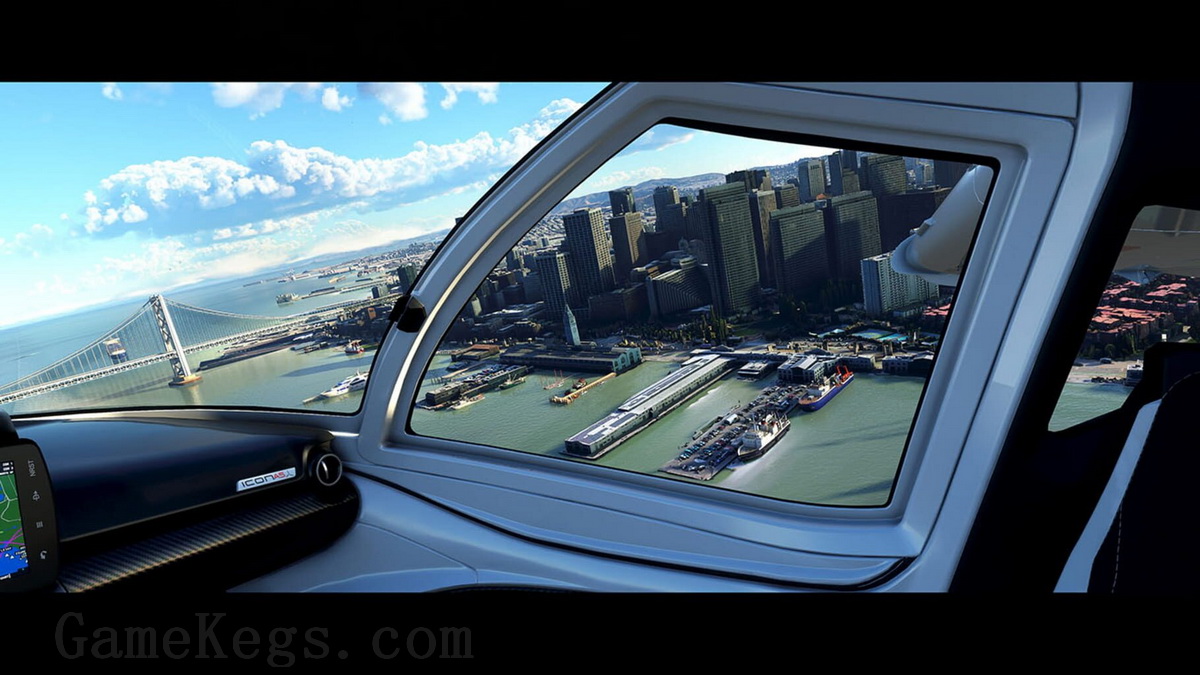
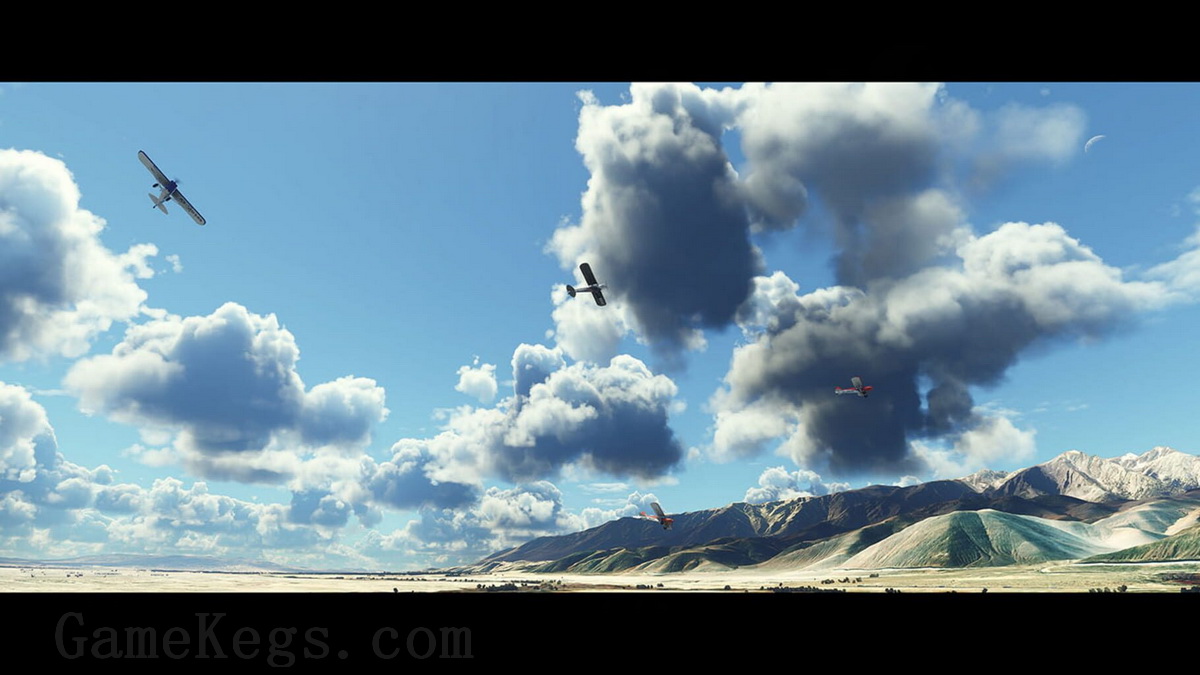
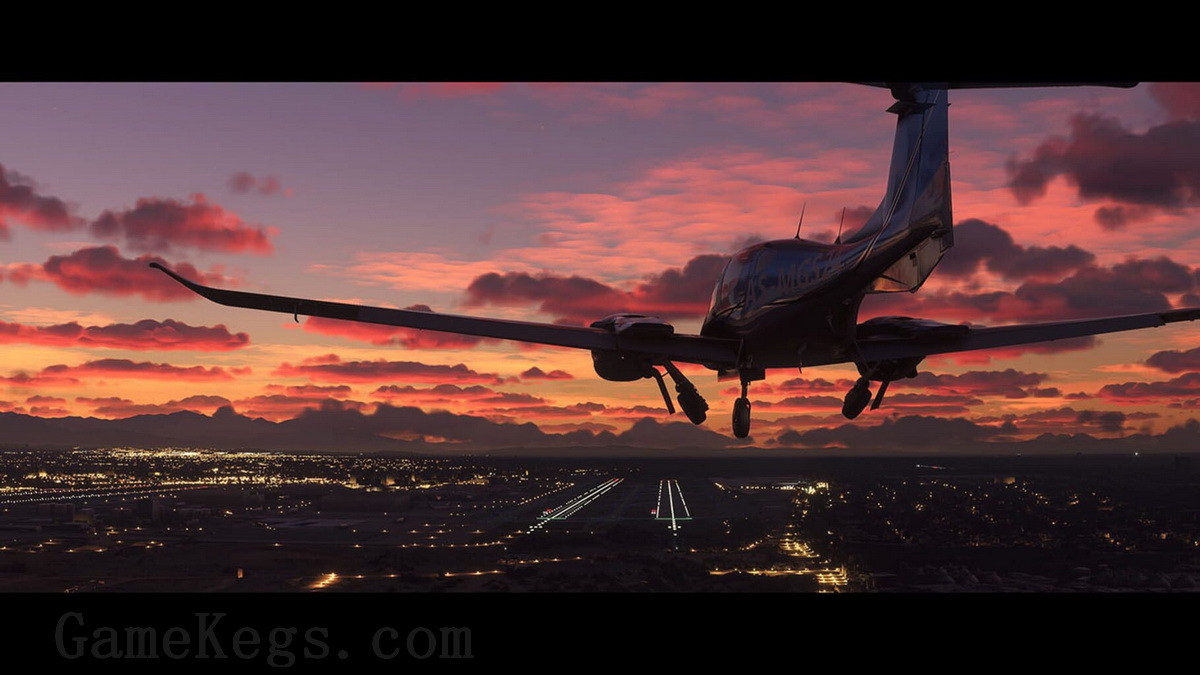
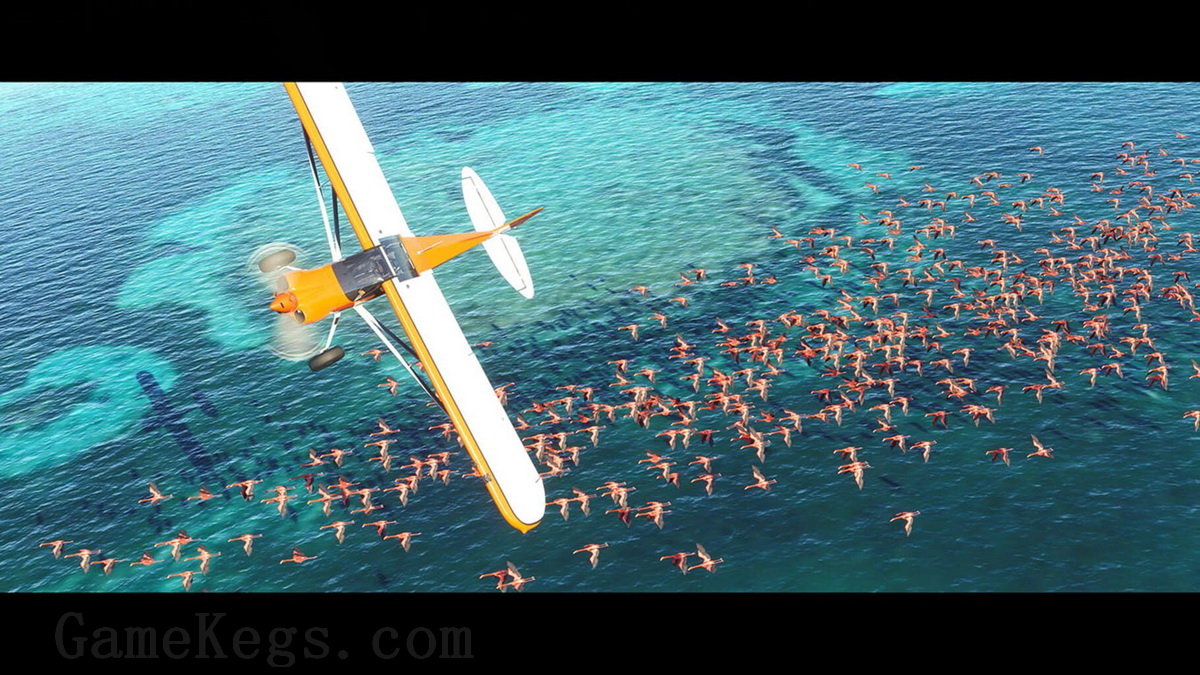
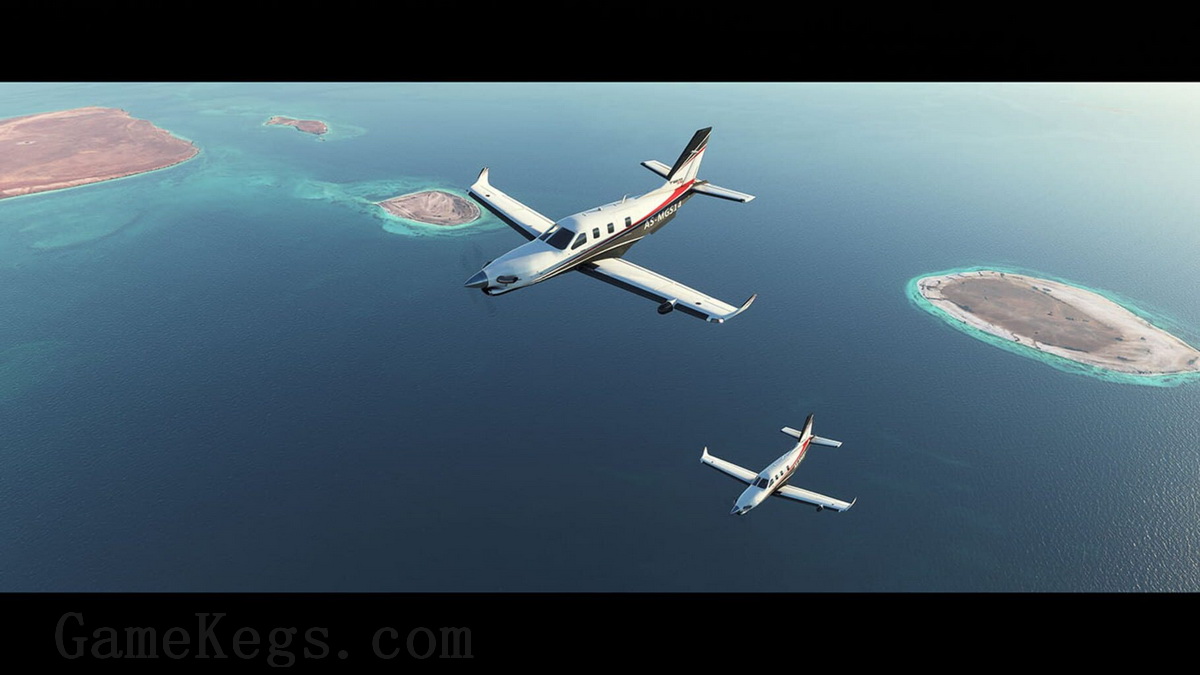
Microsoft Flight Simulator 是最受喜爱的模拟游戏系列之一的最新一代产品。从轻型飞机到宽体喷气式飞机,在令人难以置信的现实世界中驾驶高度精细和令人惊叹的飞机。创建你的飞行计划,并在地球上任何地方飞行。享受日夜飞行的乐趣,并面对现实的、具有挑战性的天气条件。
The Microsoft Flight Simulator 40th Anniversary Edition will feature, for the first time since 2006, helicopters and gliders, the most requested enhancements by our community. In addition to the helicopters and gliders, we will introduce another highly requested community feature: a true-to-life airliner, the sophisticated Airbus A-310, where nearly every single button works just as expected.
Celebrate the storied history of aviation with seven famous historical aircraft in the Microsoft Flight Simulator 40th Anniversary Edition. These aircraft include the 1903 Wright Flyer, the 1915 Curtiss JN-4 Jenny, the 1927 Ryan NYP Spirit of St. Louis, the 1935 Douglas DC-3, the beautiful 1937 Grumman G-21 Goose, the 1947 Havilland DHC-2 Beaver, and the famous 1947 Hughes H-4 Hercules (the largest seaplane and largest wooden plane ever made), also known as the Spruce Goose.
We are also adding four classic airports, including Meigs Field in Chicago, a traditional starting airport for the Microsoft Flight Simulator franchise. It is an exciting update full of aviation history to celebrate our community and the beauty of aviation! The sky is calling!
In summary, the 40th Anniversary Edition will introduce:
• 4 classic commercial airports
• 10 glider airports
• 12 new aircraft
• 14 heliports
• 20 classic missions from the franchise’s past
The Deluxe Edition includes everything from Microsoft Flight Simulator plus 5 additional highly accurate planes with unique flight models and 5 additional handcrafted international airports.
Deluxe Additional Aircraft
• Diamond Aircraft DA40-TDI
• Diamond Aircraft DV20
• Textron Aviation Beechcraft Baron G58
• Textron Aviation Cessna 152 Aerobat
• Textron Aviation Cessna 172 Skyhawk
Deluxe Additional Handcrafted Airports
• Amsterdam Airport Schiphol (Netherlands)
• Cairo International Airport (Egypt)
• Cape Town International Airport (South Africa)
• O’Hare International Airport (USA)
• Adolfo Suárez Madrid–Barajas Airport (Spain)
The Premium Deluxe Edition includes everything from the Microsoft Flight Simulator Deluxe edition plus 5 additional highly accurate planes with unique flight models and 5 additional handcrafted international airports.
Premium Deluxe Additional Aircraft
• Boeing 787-10 Dreamliner
• Cirrus Aircraft SR22
• Pipistrel Virus SW 121
• Textron Aviation Cessna Citation Longitude
• Zlin Aviation Shock Ultra
Premium Deluxe Additional Airports
• Denver International Airport (USA)
• Dubai International Airport (United Arab Emirates)
• Frankfurt Airport (Germany)
• Heathrow Airport (United Kingdom)
• San Francisco International Airport (USA)
写在图文教程前面的话:
游戏非常大,大概260G+(加上下载文件530G+)如果没有这么大空间请离开。
安装需要一定的计算机应用知识,安装我尽可能的写的通俗易懂一些,如果你没有动手能力,也不愿意学习请离开。
需要steam和微软账号,如果你没有可以申请,如果你不愿意动手申请,请离开。
如果看到这你还没有离开,请跟着开始。
下载完成后继续看!
安装方法:
1:下载解压,解压后,应该是如下图所示,六个文件夹!切记,解压路径不要出现中文,建议直接到盘符根目录。以下所有图文教程路径以 D:\MicrosoftFlightSimulator.SteamRip\ 为例

2:部署文件,首先为了避免影响到我们的steam正常使用,建议将自己电脑的steam文件,复制此到Steam目录夹下面,也就是上图第二个文件夹。默认安装位置位于C:\Program Files (x86)\Steam
如没有安装过Steam,请到 Steam安装文件文件夹 下自行安装。
然后将游戏文件剪切至 D:\MicrosoftFlightSimulator.SteamRip\Steam\steamapps\common 下,剪切好的路径应该如下图,如没有对应文件夹,请自行创建。
游戏文件不切剪到目录会无法启动游戏。

部署Steam库文件,将此文件夹下文件放置 D:\MicrosoftFlightSimulator.SteamRip\Steam\ 下对应文件夹。
库文件不部署移动的话,启动steam会看不到游戏入库。
3:替换修改文件,首先打开 C:\Users\你的用户名\AppData\Roaming\Microsoft Flight Simulator 这个位置,如有存档,请将里面的文件都删除,将我提供的存档复制过去。
然后修改 UserCfg.opt 里面的路径,我的位置是第251行,反正就是最下面 InstalledPackagesPath “D:\MicrosoftFlightSimulator.SteamRip\Steam\steamapps\common\MicrosoftFlightSimulator\HLM_Packages”
修改完成如下图。
此步不做会导致游戏卡标题无法进入。

将 存档下的 HOODLUM 文件夹放置 C:\Users\你的用户名\AppData\Roaming 目录下。
4:设置GreenLuma ,修改\GreenLuma\NormalMode 下的配置文件DLLInjector.ini ,路径设置如下图,如路径不采用我默认的路径,请自行修改第6行,第10行。
此步不做的话会导致无法注入和启动steam。

5:启动游戏,必须从\GreenLuma\NormalMode 目录下 启动 DLLInjector.exe,会自动启动steam,并登录你的Steam账号成功后,应该看到Microsoft Flight Simulator已经成功入库。

进入前,请到https://www.xbox.com/zh-HK 注册一下微软账号。待会进入需要登录!
启动游戏,正常是会让你输入微软账号,输入账号后,会出现下图,正常没设置中文前是英文的,点击离线。
设置中文方法:OPTIONS-GENERAL-MISC-LANGUAGE:ZH-CN


大功告成!享受!
❌ 解压报错?密码错误?先看这里!
- 密码只有这两个: gamekegs.com 或 gkinto.com
-
软件必须用这个: WinRAR 官方版(点击下载)。
(严禁使用快压、360压缩等第三方软件,必报错!) -
报错必然是丢包: 网站文件经 MD5 校验,源文件绝对无误。报错请检查您的网络。
✅ 解决办法: 使用百度网盘官方客户端,重新下载报错的分卷(推荐有线网络,勿用WiFi)。 - 硬件避坑指南: 请勿使用劣质 U 盘、扩容盘解压游戏! 数据写入错误会导致解压失败。
🔗 链接失效/无法运行: 请直接在对应文章评论区留言。





























昨天游戏库里有游戏,今天就又没有了。是啥情况啊
启动steam库里没游戏怎么办
你的解决了吗
这样修改的话会不会导致steam封号?
解决了。。。鼠标没用,要用键盘TAB配合回车键来登录XBOX
自认为全部按照说明操作完毕,但是进入游戏卡进入界面(右下角无线转圈),然后屏幕中间显示XBOX登录界面(点登录无反应)。
卡蓝条怎么解决呢?
进入游戏提示有更新下载,要不要下载??
你下载了没?
启动steam后库里没游戏请问是什么问题?
成功运行,点赞
卡在xbox登录界面的小伙伴们,用Tab键和空格键按按钮试试。
卡蓝条了。哈哈哈 有解决的么
大桶,点了离线后卡在开始读蓝条界面不动了 这个怎么解决呢?
点了离线卡游戏开始读条那里了,怎么回事
配置好了 玩了几次 不过入库时有时无 今天库里又没有了
大桶辛苦了,我安装部署都搞好了,就是 进去卡在更新上面。怎么处理?
别更新,直接点离线。
桶哥,为啥登录xbox那里会卡住啊
登录卡那的话,尝试用加速器试试。
用加速器了,就是卡在xbox登录界面,点了登录没反应
懂了,你用键盘tab切换输入位置。
多谢桶哥
搞定了么
桶哥,为啥我的\GreenLuma\NormalMode 目录下没有 DLLInjector.exe,只有DLLInjector.ini
看看,是不是杀毒软件给你清理掉了,隔离区看看
配置完之后还有额外下载内容吗 我看上边说有530g 如果有的话是要打开游戏联网下载么
530g是包含下载的网盘数据。其实游戏数据只有260G+,不需要联网下载,离线就可以了。
大桶,已经放好部署文件在steamapps文件夹里,但是启动STEAM后库里没有这个游戏该怎么办?
必须从\GreenLuma\NormalMode 目录下 启动 DLLInjector.exe,会自动启动steam
我也是一样 按流程操作 认真检查了每一步 打开DLLInjector.exe后库里没有这游戏
这玩意儿需要啥档次机器才能玩啊?
1060都可以畅玩
辛苦大桶了,这么晚还在上传。难怪还不完整。
是的,文件当时比较大
百度网盘资源不完整
已经更新为最佳资源。!
资源不存在了
资源失效了
我的弟弟?摸了摸还在。
失效了失效了